

Cleaning your camera can sometimes be a little scary (especially the sensor), so I am always looking for tools to make the experience better.
I recently bought a NiteCore tool called the “Blower Baby” (terrible name) and I share my experience with that device, as well as traditional blower bulbs, sensor cleaning sticks, etc.
After my first experience with color profiles on my Panasonic G7, I steered away from changing the settings on the camera. I didn’t know what I was doing, and I just followed what other vloggers said to do.
The problem is… most vloggers what the most neutral color palette from the camera, so they can tweak the colors in editing.
Who wants to do extra work?
If you are using a few different cameras in the same video, I understand the desire to have the same color science through all clips, but I am sticking to the default settings.
A quick follow-up on the “Old Canon Lenses” vlog I posted a few weeks ago…
Those over-exposed pictures really bothered me and I realized that the aperture blades in the lens were not moving when I moved the ring.
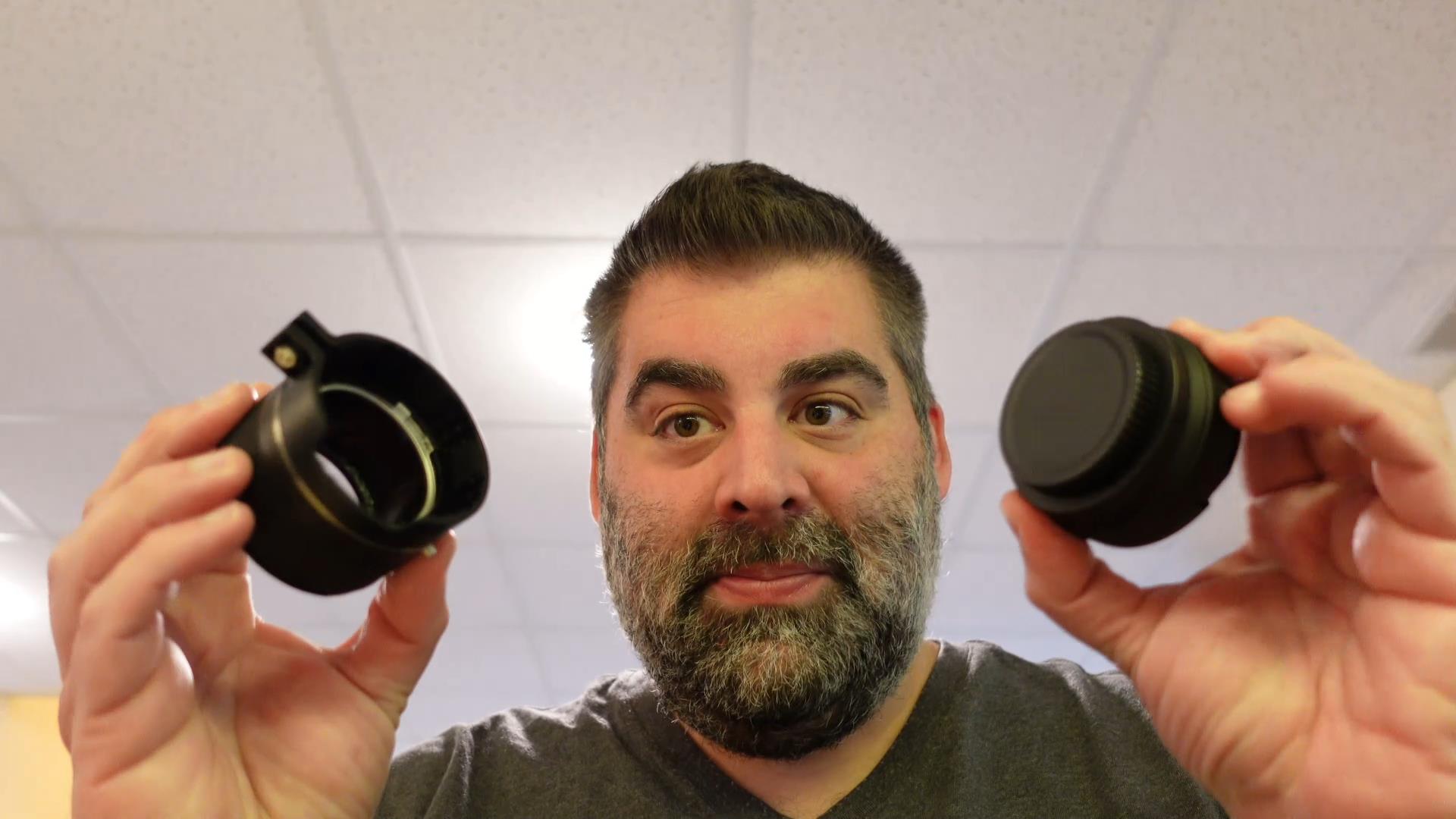
Canon FD aperture blades will lock at 5.6 if you don’t manually unlock them or make sure you have an adapter that has an unlocking mechanism. The K&F Lens Mount Adapter does have this feature.
Even though I figured out the issue, I am not sure if these manual lenses are for me. But I am learning more.
This video also has detailed instructions on how to unlock Canon FD aperture blades:
I am so tired of having to take mounting plates off my camera and screwing new ones on when I need to use different sized tripods.
After looking at a Peak Design video for their newish tripod, I saw how their one mounting plate interchanged with all of their capture systems – and I wondered if I can find a 3rd party adapter so I can use ONE PLATE for all of my tripods.
Spoiler: The answer is yes. (The key is to find something Arca-Swiss Standard)
Here are links to the products I discussed in the video:
The Nintendo Classic Mini has caught the world’s attention. This retro device from Nintendo allows buyers play 30 classic Nintendo games like Super Mario, Zelda, and Metroid.
If you have a need to show your kids these classic games, you don’t have to wait until retailers get them back in stock. With a little bit of time and elbow grease, you can build your own mini game system that does much more than the limited mini (even though that thing has great hardware).
What you need:
Raspberry Pi 3B: This little computer board will power the system ($35)
A Case for RPi: I like this one – you don’t even need a screw driver ($7)
USB Gaming Controllers: This project supports PS3 controllers which are my preference, but if you want a retro feel, check these out.
What you need to do:
Lifehacker.com put together spectacular instructions on how to do this project, I cannot improve upon it. They will tell you everything you need to know. But I will provide links to the software you need.
Download the Win32DiskImager program so you can install the software on the SD Card
I built a few of these devices over the last few months, and it has become so much easier to get them set up in the most recent 4.1 version. I should also warn you – you will need a USB keyboard to help with the first configuration.
You might be asking, where do I get the games? If you search the term “Nintendo Roms” you will find places to get them. Emulator ethics states that you should own the games in their original format before downloading a copy.